
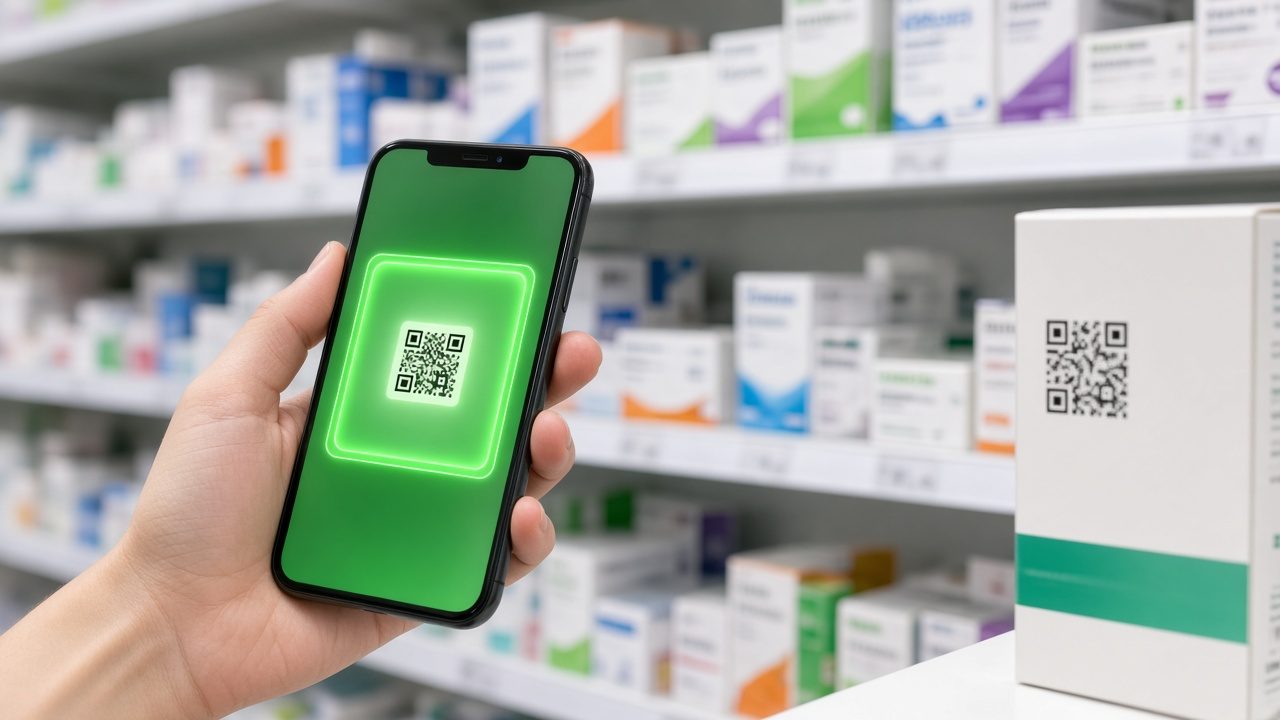
The Mehfooz Dawa app lets you scan the small square 2D code on a medicine box and see whether the product is in the Drug Regulatory Authority of Pakistan (DRAP) database. Prime Minister Shehbaz Sharif launched it in Islamabad on 26 November 2026. This guide shows how to check if a medicine is genuine: download the official app, scan a pack, read the green or red result and complain with a photo.
Facts come from Radio Pakistan, Dawn, Business Recorder, the official Google Play and App Store listings and two DRAP circulars. Where something is our own advice, or could not be confirmed, we say so.
Mehfooz Dawa app at a glance
- 92,000medicines in the database, built with more than 700 companies
- 9 Oct 2026date from which newly produced packs must carry a 2D code
- Green or redthe two results DRAP says the app shows after a scan
Sources: Dawn and Radio Pakistan, 26 November 2026, and DRAP circular of 8 October 2026.
Listen: short audio summary
In this guide
- Mehfooz Dawa app: the quick answer
- What the Mehfooz Dawa app does
- How to download the official Mehfooz Dawa app
- How to scan a medicine with the Mehfooz Dawa app
- What to do if the Mehfooz Dawa app shows red
- Why some packs have no 2D code
- Copycat app warning
- What a green result cannot tell you
- Frequently asked questions
Mehfooz Dawa app: the quick answer
How do I check a medicine with the Mehfooz Dawa app?
Install the official app, allow the camera and scan the small square 2D code on the box. DRAP says a green screen means the medicine is genuine and a red screen means it is counterfeit. Compare the price and expiry with the pack, and file a complaint with a photo if anything looks wrong.
DRAP chief executive Dr Obaidullah told the launch that the app has three jobs: medicine verification, complaints and shortage reports, as Dawn reported.
What the Mehfooz Dawa app does
Prime Minister Shehbaz Sharif launched the app of the Ministry of National Health Services on 26 November 2026. He said it would let people verify the authenticity, prices and availability of medicines, according to Radio Pakistan.
Health Minister Mustafa Kamal said a database of around 92,000 medicines had been built with more than 700 companies, and Dr Obaidullah said a scan is checked against that database. Business Recorder adds that users can check prices and expiry dates, and that complaints are forwarded directly to DRAP.
| Feature | What the sources say |
|---|---|
| Verify a medicine | Scan the code on the pack. Green means genuine, red means counterfeit (Dawn, Business Recorder). |
| Price and expiry | Check the registered price and the expiry date (Business Recorder, Radio Pakistan). |
| Complaints | Report suspected counterfeit, substandard or over-priced products. The Google Play listing says you can attach photos, track the report and that your location is logged when you scan or report. |
| Shortage reports | Report a medicine you cannot find in the market (Dawn, Business Recorder). |
| Safety alerts | The store listings say you can view official product safety alerts inside the app. |
How to download the official Mehfooz Dawa app
The Mehfooz Dawa app is on both major stores. Open the listing, read the publisher line, then install.
| Phone | Publisher shown | Where to get it |
|---|---|---|
| Android | National IT Board, Government Of Pakistan | Google Play listing. The package name in the link is com.nitb.drap. |
| iPhone | National Information Technology Board | App Store listing. It needs iOS 15.0 or later and is listed as free. |
The two stores spell the publisher name slightly differently, so look for “National IT Board” on Android and “National Information Technology Board” on iPhone.
How to scan a medicine with the Mehfooz Dawa app
Follow these five steps for each pack you check with the Mehfooz Dawa app. The app is new, so screens and wording may change.
Check a medicine in five steps
- Step 1Install the app from the official listing above and open it. Allow camera access, which the scanner needs. The Google Play listing says the app logs your location when you scan or file a report, so expect a location prompt.
- Step 2Set up your account at home. Some Google Play reviewers in November say the sign-up email or code did not arrive. We have not tested sign-up ourselves, so do not leave it until you are at the counter.
- Step 3Find the 2D code on the box. The DRAP 2D barcode rule is for a 2D Data Matrix code, a small square of tiny cells, not the long striped barcode shops use. The Play listing only says “scan barcodes and product codes”, so aim for the square code.
- Step 4Scan in good light and read the colour. DRAP says green means genuine and red means counterfeit.
- Step 5Compare the details with the box. Check the price and expiry the app shows against the print on the pack. If the colour or the details look wrong, file a complaint in the app and attach a photo of the pack.
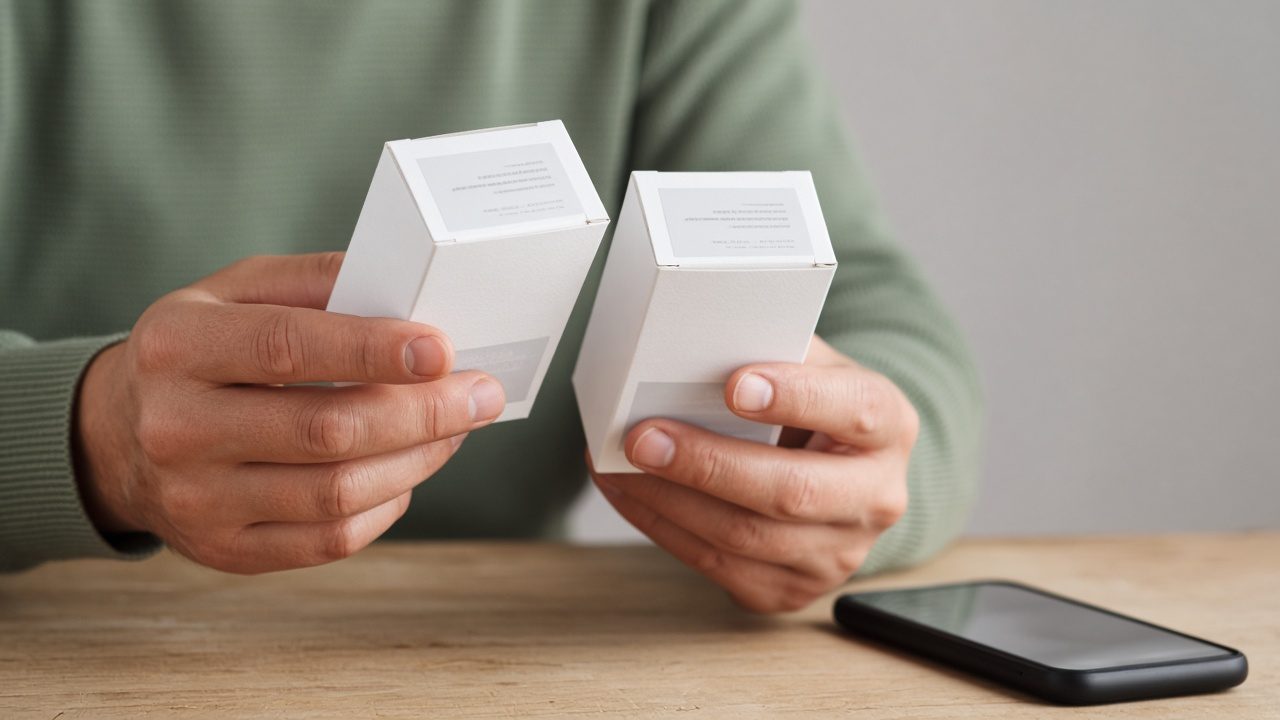
To complain, use the complaint option in the app. The Google Play listing says you can attach image evidence, and that you can track the status of the report afterwards. Photograph the front of the box, the batch and expiry print, and the shop name.
What to do if the Mehfooz Dawa app shows red
DRAP’s chief said a red screen means the medicine is counterfeit, and Dawn reports that users can then lodge a complaint. Treat red as a serious warning. The steps in the table are our own general advice, not an official DRAP procedure.
| What you see | What it may mean | What to do |
|---|---|---|
| Red on the first scan | DRAP says red means counterfeit. A poor scan is also possible. | Do not buy or take it. Scan again in good light, with a steady hand and a working internet connection. |
| Red again after a second scan | Treat the pack as suspect. | Keep the box, strip and receipt. Photograph the box, the batch and expiry print and the shop name. File a complaint in the app with the photo. |
| Red, and you already took some | The medicine may be counterfeit. | Stop taking it and speak to a doctor or pharmacist. Get urgent care if you feel unwell. Then report the pack. |
| Green, but the name, batch, expiry or price differs from the box | The pack and the record do not match. DRAP treats a mismatch between its records and the printed pack as a violation. | Do not use it. Report it with a photo of the pack and the app screen. |
| The scan fails or the app shows an error | It could be a bad scan, a connection problem or a pack missing from the system. We cannot tell which. | Try again, check the manufacturing date, ask the pharmacist, and report it if the problem repeats. |
| There is no 2D code on the box | It depends on the manufacturing date. | Read the next section before you decide. |
Why some packs have no 2D code
DRAP’s circular of 8 October 2026 says all registered drug products made locally or imported on or after 9 October 2026 must carry a 2D barcode and serial numbers. Batches with a manufacturing date before 9 October are exempt and remain permitted for import, distribution and sale.
A follow-up notice dated 10 November 2026 repeats that earlier stock remains exempt and may be sold until it is used up. It also lists what DRAP expects to match on the pack: the manufacturing and expiry dates, batch number, maximum retail price (MRP) and serial number.
| Produced | Needs a 2D code? | What it means for you |
|---|---|---|
| Before 9 Oct 2026 | No, exempt. It may stay on sale until stock runs out. | A missing code is not by itself a sign of a fake. Check the other details on the pack. |
| On or after 9 Oct 2026 (local or imported) | Yes, a 2D barcode and serial number. | DRAP says the pack must carry one. If it does not, keep the pack and report it. |
Look for the manufacturing date on the box first. If it is before 9 October, the missing code may simply mean old stock, and there may be nothing for the Mehfooz Dawa app to scan.
Copycat app warning
Whenever a government launches an app, lookalikes appear. Install only the official Mehfooz Dawa app from the listings linked in this guide, or search the store and check the publisher line before you tap Install.
- Check the publisher: “National IT Board, Government Of Pakistan” on Google Play, “National Information Technology Board” on the App Store.
- Check the Android package name: the official Google Play link ends in com.nitb.drap.
- Skip APK files: do not install the app from a file sent over WhatsApp, SMS or social media.
- Never pay: the iPhone listing shows the app as free, so do not pay anyone to verify a medicine.
- Treat other websites with caution: a site that only uses the app’s name is not DRAP. DRAP’s own website is dra.gov.pk.
What a green result cannot tell you
Official coverage describes the Mehfooz Dawa app as checking a code against the DRAP database. It does not say the app tests what is inside the pack. Buy from a licensed pharmacy, keep the receipt and check the seal and printing. A copied code on a fake pack is possible in theory, which is one more reason to compare the batch, expiry and price with the box.
Early reviews of the Mehfooz Dawa app are mixed. Google Play reviewers between 11 and 25 November mention sign-up emails not arriving and scans showing invalid. Those are user complaints, not tests, and the app was only launched officially on 26 November. If a scan fails, report it.
For background, our report on the plan to separate drug pricing from DRAP explains how medicine prices became a policy issue, and our story on expired cancer drugs at Mayo Hospital Lahore shows why pack checks matter. For wider healthcare costs, see our explainer on the Awami Health Card Scheme.
Frequently asked questions
What is the Mehfooz Dawa app?
It is a medicine verification app of the Ministry of National Health Services, launched on 26 November 2026. You scan the code on a medicine pack to check it against DRAP’s database, check price and expiry, file complaints and report shortages.
Is the Mehfooz Dawa app available on iPhone?
Yes. The App Store lists Mehfooz Dawa from the National Information Technology Board. It needs iOS 15.0 or later and is shown as free. On Android, the Google Play publisher is National IT Board, Government Of Pakistan.
What do green and red mean?
DRAP’s chief executive said the app shows a green screen if the medicine is genuine and a red screen if it is counterfeit. Treat red as a warning, do not use the medicine, and report it.
Which code should I scan?
Scan the small square 2D Data Matrix code on the pack, not the long striped barcode. The Google Play listing says the app scans barcodes and product codes.
Why does my medicine have no 2D code?
DRAP’s 2D barcode rule applies to packs produced on or after 9 October 2026. Earlier stock is exempt and may stay on sale until it runs out, so check the manufacturing date first.
How do I file a complaint in the Mehfooz Dawa app?
Use the complaint option in the app. The Google Play listing says you can attach photos as evidence and track the status of your report. Business Recorder reports that complaints go directly to DRAP.
Can the app tell me if a medicine works?
No. Official coverage describes a check of the code against a database, not a laboratory test. Always buy from a licensed pharmacy and follow your doctor’s advice.
